
Let’s look at a few ways to convert a numpy array to a string. We will see how to do it in both Numpy and Python-specific ways.
Using array2string method
NumPy’s np.array2string() provides the easiest way to convert NumPy array to string with full formatting control over precision, separators, and brackets.
import numpy as np

my_array = np.array([1, 2, 3, 4, 5, 6])
print(f"My array: {my_array}")
print(type(my_array))
my_string = np.array2string(my_array)
print(f"My string converted from array: {my_string}")
print(type(my_string))
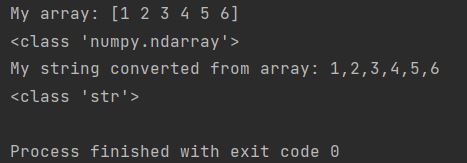
You can see that the data type changed from ndarray to string.
Using array_str method
np.array_str() works similarly to convert NumPy array to string but offers slightly different default formatting options, while Python’s join() provides custom delimiter control for simple cases.
import numpy as np

my_array = np.array([1, 2, 3, 4, 5, 6])
print(f"My array: {my_array}")
print(type(my_array))
my_string = np.array_str(my_array)
print(f"My string converted from array: {my_string}")
print(type(my_string))
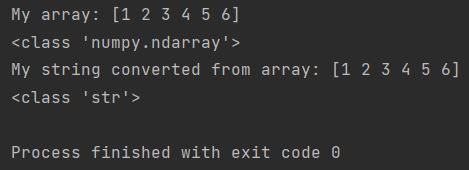
You can see that the data result is the same and the type changed from ndarray to string as well.
Using Python conversion
For those who prefer to use their own Python code, you may use an easy Python conversion like that.
import numpy as np

my_array = np.array([1, 2, 3, 4, 5, 6])
print(f"My array: {my_array}")
print(type(my_array))
my_array = np.array([1, 2, 3, 4, 5, 6])
my_string = ','.join(str(x) for x in my_array)
print(f"My string converted from array: {my_string}")
print(type(my_string))
Thanks to this simple loop, string elements are printed one by one.