
Let’s see how to set timezone in Django settings.py by configuring the TIME_ZONE variable and enabling USE_TZ, which controls how Django handles local time and UTC conversion.
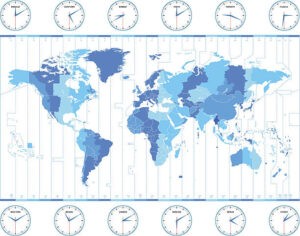
Setting the time_zone
By default, the application written in Django set the TIME_ZONE variable, responsible for the definition of the local time zone, to ‘America / Chicago’. You can configure it by default in the settings.py file.
In newer versions of Django, the settings.py file already contains an entry:
TIME_ZONE = 'UTC'
You may want to change that. First you will need this Wikipedia link to get timezone names.
To set timezone in Django to a specific region like US/Central, simply update the TIME_ZONE setting in your settings.py file and ensure USE_TZ = True is enabled for proper timezone support.
To apply timezone you need also to set below variable time zone.
USE_TZ = True
How to set a custom timezone in Django
In addition to setting the default timezone, you can also set a custom timezone for your Django application. To do this, you can use the TIME_ZONE and USE_TZ variables in the settings.py file.
The TIME_ZONE variable specifies the name of the timezone that you want to use. You can get a list of timezone names from the Wikipedia link.
The USE_TZ variable specifies whether or not you want to use timezones in your Django application. If you set USE_TZ to True, Django will use the timezone that you specified in the TIME_ZONE variable to convert between UTC and local time.
For example, the following code will set the timezone to US/Central and enable timezone support:
TIME_ZONE = 'US/Central'
USE_TZ = True
After setting the timezone, you need to restart your Django application for the changes to take effect.